Articles by StackTrekker

Zapier Storage: How to Remember Values Between Zap Runs
Storage by Zapier keeps values between runs with nothing extra installed. Five minute setup, ten actions, three builds to copy and the limits that break them.

Make.com Operations Limit Exceeded? How to Find the Cause Fast
Make.com operations ran out before month end? Find the four settings that burn them overnight, the scenario to blame, and how to cap each one in ten minutes.

Make.com Bundle Validation Error: What It Means and How to Fix
A bundle validation error stops a Make scenario mid-run. See the four causes, the fields that fix each one, and the error handler that keeps a run alive.

Zapier Won't Turn On a Zap? Work Through These Checks
A greyed-out Publish button or a Zap that flips back to Draft usually comes down to one of six causes. Work through the checks in order to turn the Zap on.
IMPORTRANGE Not Working in Google Sheets: 7 Causes and Fixes
IMPORTRANGE in Google Sheets fails for seven repeatable reasons, from an unapproved connection and a wrong URL to cycles, heavy ranges and blocked copying.

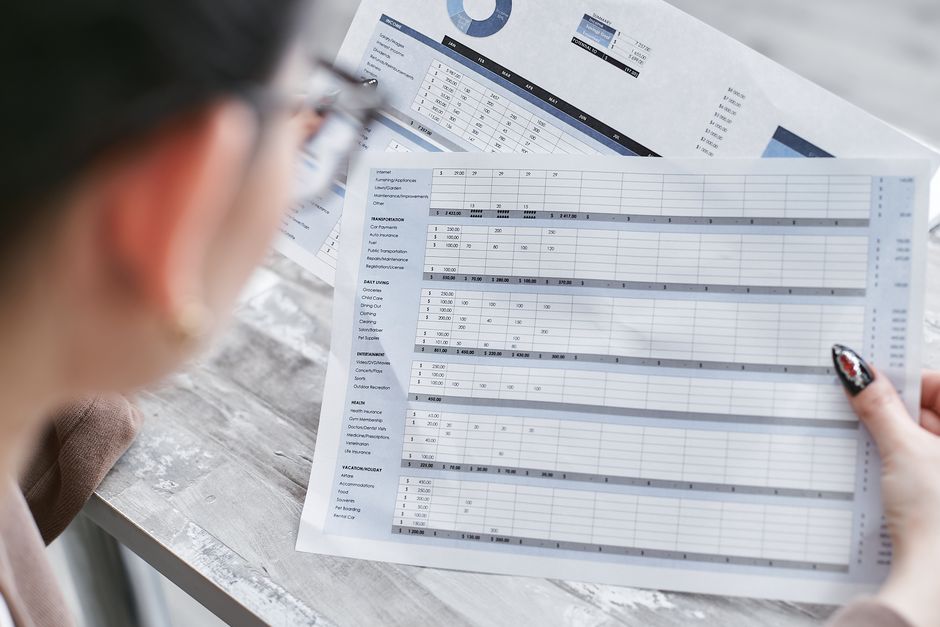
Free Budget Planner Template That Compares Plan vs Actual
Download a free budget planner template for Google Sheets and Excel: set a limit per category, enter what you spent, and see the gap in five formulas.

Zapier Filter Not Working? Five Fixes Worth Trying First
Zapier filters fail for five repeatable reasons, from missing values and stale field mappings to AND vs OR logic, hidden whitespace and number formats.

Free Invoice Template for Google Sheets and Excel with Formulas
Download a free invoice template for Google Sheets and Excel. Working line-item math, an automatic due date, and a total you can edit in about five minutes.

Obsidian vs Evernote: An Honest Comparison for Note-Takers
Obsidian vs Evernote: file ownership or convenience? Evernote's free plan stops at 50 notes and one device; Obsidian is free with local Markdown files.

Automate Email Reports From Google Sheets With Apps Script
Send a formatted Google Sheets report to any inbox every Monday morning using about 45 lines of Apps Script. Copy the code, set one trigger, skip the export.

Notion Rollup Not Working: 6 Checks Before You Rebuild
A Notion rollup that shows blank, zero, or the wrong total is usually a settings mismatch. Run these 6 checks in 5 minutes before you rebuild anything.

Set Up Notion Calendar to Time-Block Your Task List
Notion Calendar setup in about 15 minutes: connect your calendars, link a task database, plus the database rules and limits that make time blocking stick.

Zapier + Google Sheets: 5 Workflows That End Manual Copying
Five Zapier and Google Sheets workflows you can set up in one afternoon: form replies into rows, rows into reports, and weekly emails that send themselves.

Make.com Tutorial: Automate Your First Workflow in 20 Minutes
Build your first Make.com scenario in 20 minutes: pick a trigger, add a Notion action, map the fields, test it, and switch it on. A no-code walkthrough.

How to Build Your First Notion Database in 10 Minutes
Learn to build your first Notion database in 10 minutes: properties, views, and relations, plus the 5 beginner mistakes that silently break your setup.
Pivot Tables for Beginners: Excel & Google Sheets Guide
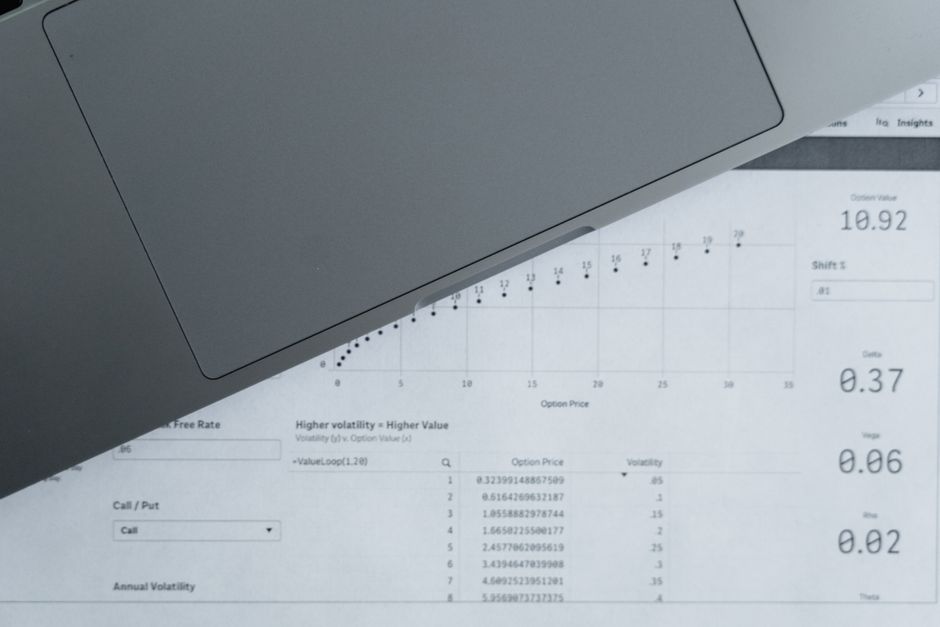
Turn 1,000 messy rows into a one-page summary in 4 steps. Beginner pivot table tutorial for Excel and Google Sheets: setup, grouping, filters, totals, and the mistakes that quietly break them.
Notion vs Asana: What's the Difference for Teams in 2026?
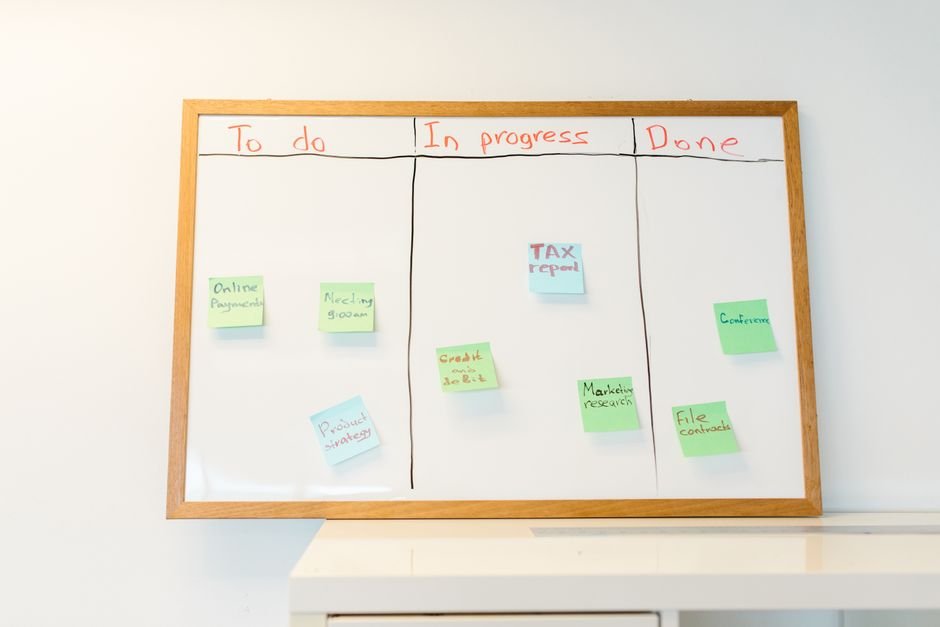
Notion is a workspace, Asana is a project engine. In 5 minutes you will know which one fits your team size, your workflow, and your budget in 2026.

Text to Columns Not Working in Excel & Google Sheets? 7 Fixes That Work
Text to Columns not working? Fix a grayed-out button, wrong delimiters, lost leading zeros, scrambled dates, wiped columns, and splits that do nothing at all, with tested steps for Excel and Google Sheets.
Google Sheets vs Airtable vs Excel: Picking the Right Tool
Three tools, three different jobs. In 5 minutes, find out which one fits your data, with a real price table and a one-question test that settles the debate for good.

How to Create a Data Validation Dropdown in Excel & Google Sheets (5-Minute Guide)
Stop typing the same values twice. Build a data validation dropdown in Excel or Google Sheets in 5 minutes: step-by-step setup, dynamic lists, and the 4 most common errors fixed.
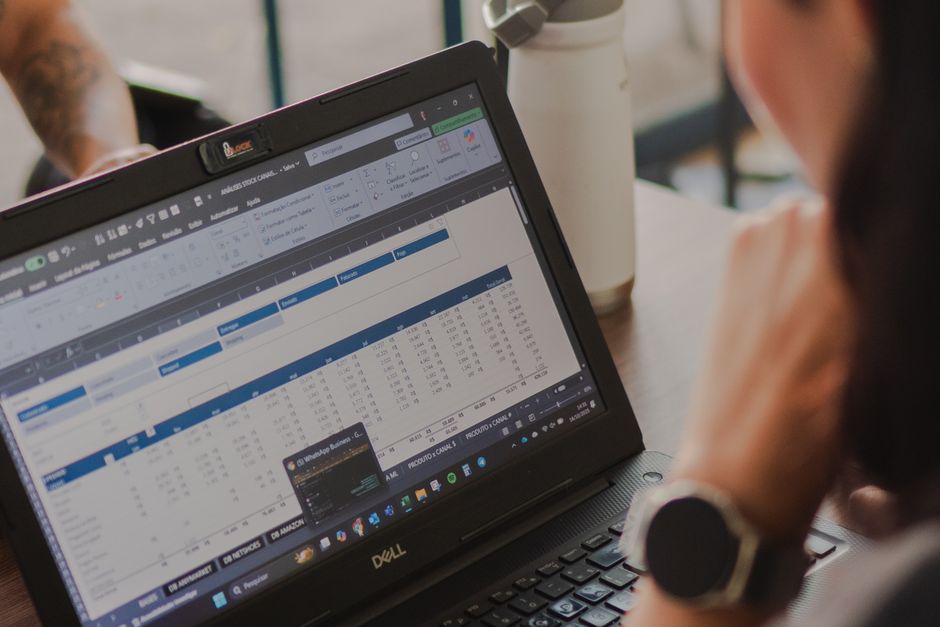
Excel vs Airtable: Which One Handles Your Data Better?
Excel is the formula powerhouse, Airtable is the database that looks like a spreadsheet. Here's the honest 5-minute breakdown of what each is actually better at in 2026.

Expense Tracker Template: Free Excel & Google Sheets
A free expense tracker template with category totals, monthly summaries, and a running balance. Copy it into Excel or Google Sheets in five minutes flat.

Zapier Webhooks Not Firing? Here's How to Fix Them
Webhook Zaps that fire intermittently or not at all are usually failing on one of four problems. Here's how to diagnose and fix each one.

VLOOKUP Not Working in Google Sheets? Fix These 5 Errors
VLOOKUP returning #N/A when the value is clearly there? Here are the 5 causes that explain 90% of VLOOKUP failures in Google Sheets, with quick fixes for each.

Notion vs Obsidian: The Honest Comparison for Note-Takers
Notion is a workspace, Obsidian is a vault. Here's what each does best, who should pick which, and how to choose without building a second brain in the wrong tool.

How to Use SUMIF in Excel (Step-by-Step with Examples)
SUMIF, the most-used conditional formula in Excel, adds up cells that match a condition. Here's how it works, with real examples and the mistakes to avoid.

How to Fix Notion Sync Errors (2026 Guide)
Notion not syncing across your devices? Here are the 7 fixes that actually work, from checking the status page to clearing the cache.

How to Build a Task System in Notion (That Actually Works)
Stop fighting Notion. Build a simple task system that survives real life. A database setup, status workflow, and daily routine that take 15 minutes to set up.

Free Notion Task Template (Starter Outline + Build Steps)
A free Notion task system: the exact properties, statuses, and three views to build, plus a Markdown starter outline you can paste straight into your workspace.

Excel vs Google Sheets: The Differences That Matter in 2026
Excel is the power tool, Sheets is the shared workspace. Here's what each is actually better at in 2026, so you can pick without a spreadsheet turf war.
5 Zapier + Notion Automations That Save You an Hour a Day
These five Zapier workflows (email to tasks, forms to databases, Slack to Notion) are copy-paste automations that actually survive real life.